Streamline your scrap purchasing operations with automated customer details entry, automated weight entry, and digital signature pad
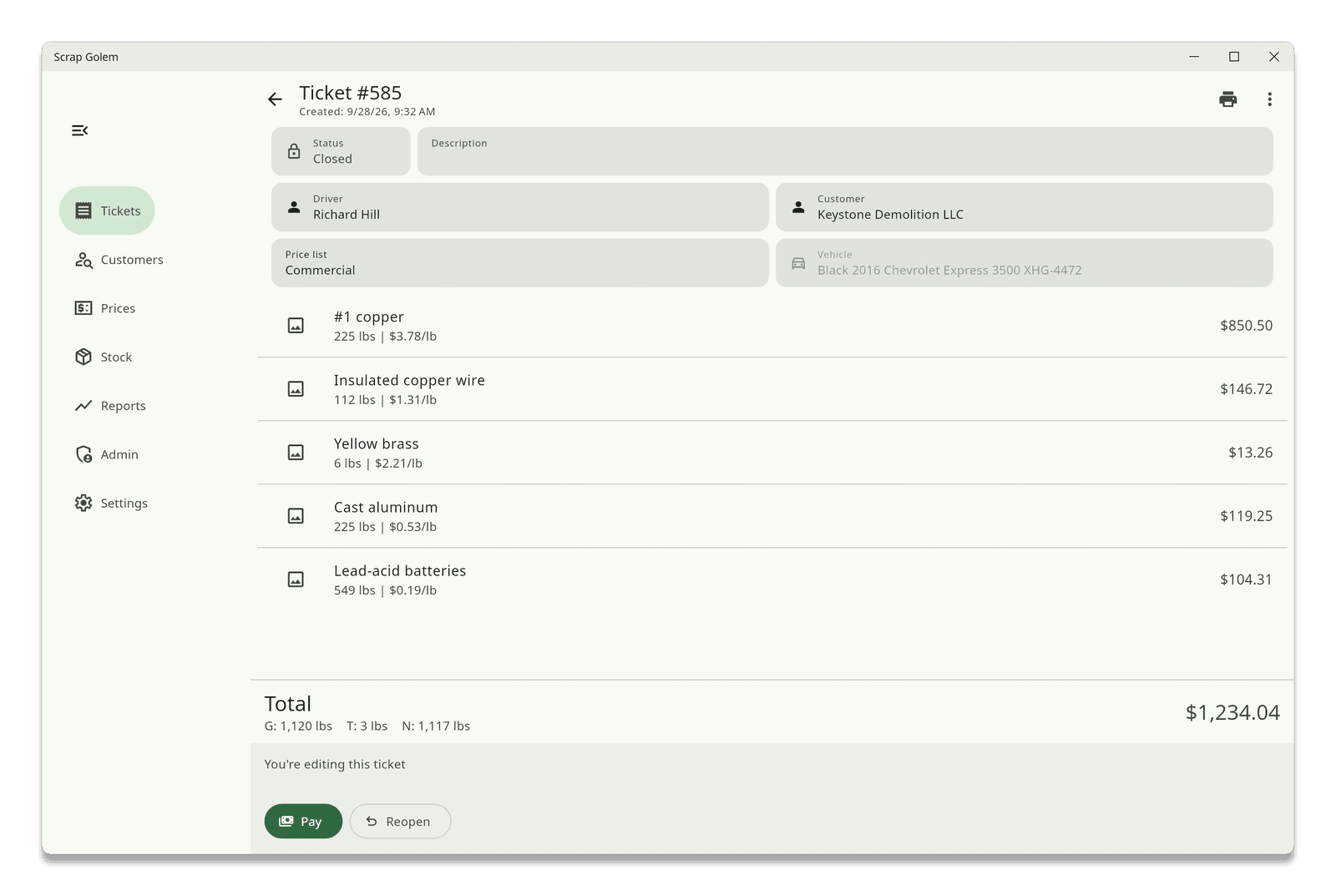
Scrap Golem was built around the scale house. Every step of a purchase, from checking in the seller to handing over the receipt, is designed to take as few taps as possible, so lines move faster and fewer mistakes end up on a ticket.
Scan the barcode on the back of a US driver's license or state ID and Scrap Golem fills in the customer's name, address, date of birth, license number and expiration date. Read the barcode with a Zebra handheld scanner, the tablet's own camera, or from a photo of the back of the license.
Connect your scale indicator to your network and tap Read scale on any line item to pull the weight in. No retyping numbers from a display. Scrap Golem speaks the SMA, Mettler Toledo MT-SICS and ENQ polling protocols. When you read the gross weight, Scrap Golem can snap a picture from the camera pointed at the scale at the same time.
Customers sign right on the tablet screen, or on a Wacom STU or Topaz signature pad at a Windows or Linux station. Pay by cash or check. Signatures stay with the ticket, so you can pull them up later.
Attach photos of material to any line item using the device camera, a webcam or an IP camera. Print receipts on a Star Micronics receipt printer, labels on a Zebra label printer, or anything on a regular office printer. Each receipt can carry your logo, the weighmaster's license number and a barcode that opens the ticket when scanned.
Search past tickets by date and material category, look up customers, see today's and held tickets at a glance, and reopen or void a ticket when something needs fixing. Every void and reopen is recorded.
We'll walk you through Scrap Golem with your own workflow and equipment in mind.
Schedule a demo